


1. Natural Writing Experience
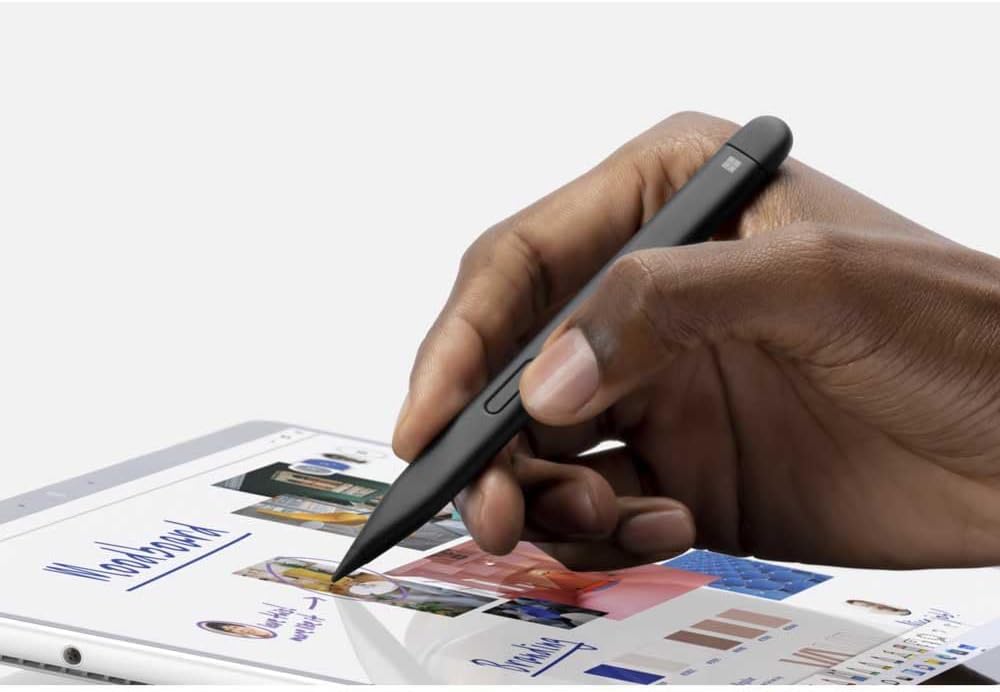
The Microsoft Surface Slim Pen 2 Charcoal Black provides smooth and accurate handwriting. Its fine tip allows you to take notes, draw, or annotate documents with confidence. As a result, writing feels more controlled and natural.
Moreover, the improved tactile signals create gentle feedback that mimics pen-on-paper movement. This helps you stay focused during long creative or study sessions. Consequently, the Microsoft Surface Slim Pen 2 Charcoal Black supports a familiar writing feel.
In addition, the low-latency response ensures your strokes appear instantly on the screen.
2. Comfortable Slim Design
The slim shape makes the Microsoft Surface Slim Pen 2 Charcoal Black easy to hold. It fits naturally in the hand, reducing fatigue during extended use. Therefore, it is suitable for students, designers, and professionals.
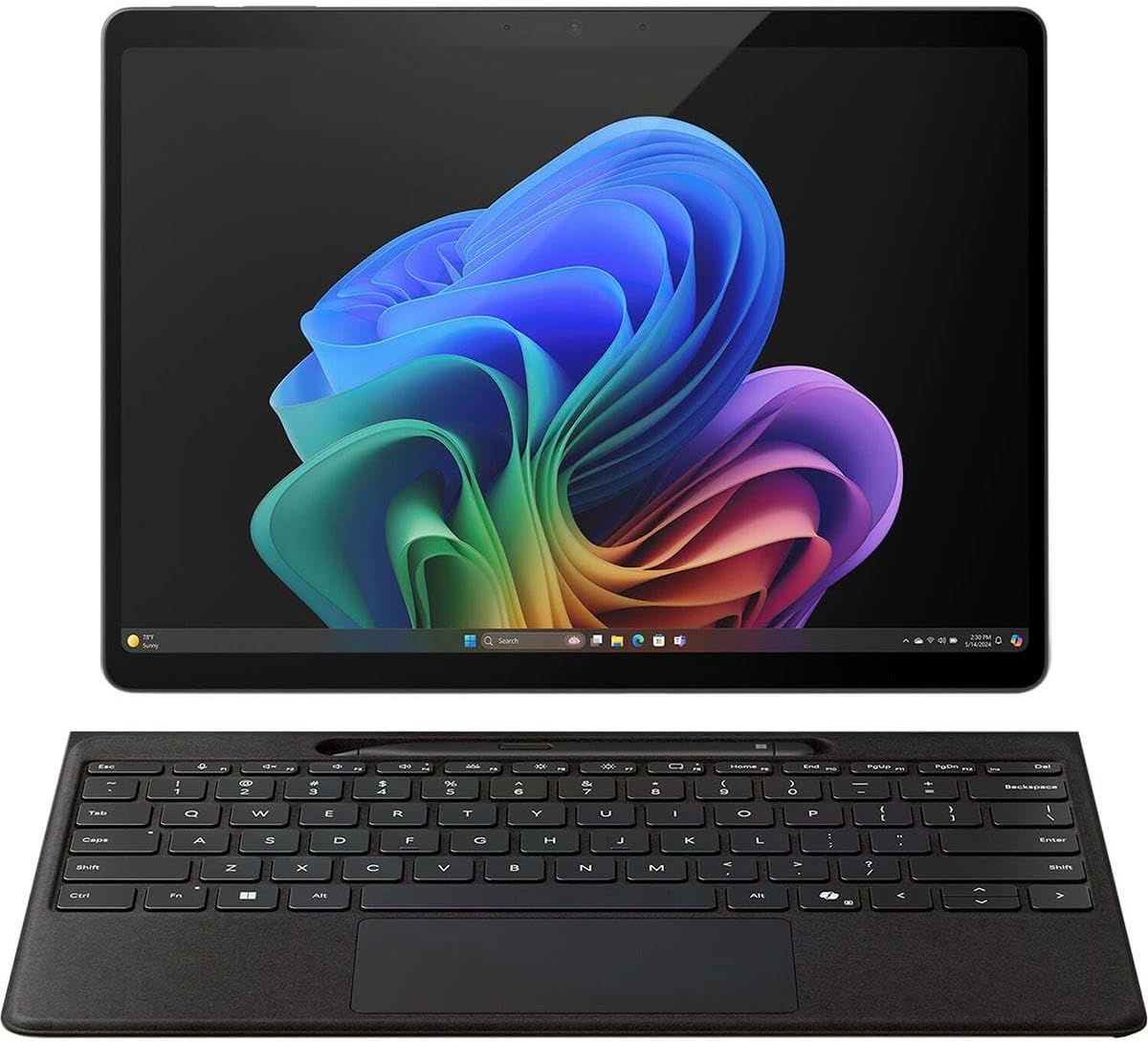
Furthermore, the flat design lets it rest securely on magnetic keyboards and charging surfaces. This keeps it from rolling away and makes storage simple.
Plus, its balanced weight enhances control when sketching or shading.
3. Fast Charging and Easy Pairing
The Microsoft Surface Slim Pen 2 Charcoal Black charges wirelessly through compatible Surface accessories. This eliminates the need for cables. As a result, the pen stays ready whenever you need it.
Additionally, pairing with Surface devices is quick and straightforward. Once connected, it offers smooth interaction across apps.
Moreover, its long battery life supports full workdays without interruption.
4. Precision for Creative Work
The Microsoft Surface Slim Pen 2 Charcoal Black provides pressure sensitivity and tilt support. This helps artists create detailed strokes and shading. Therefore, it becomes a valuable tool for drawing, editing, or digital art.
Also, the pen adapts to different writing styles, giving you flexibility in your workflow.
In addition, it maintains accuracy even during rapid movements.
5. Optimized for Surface Devices
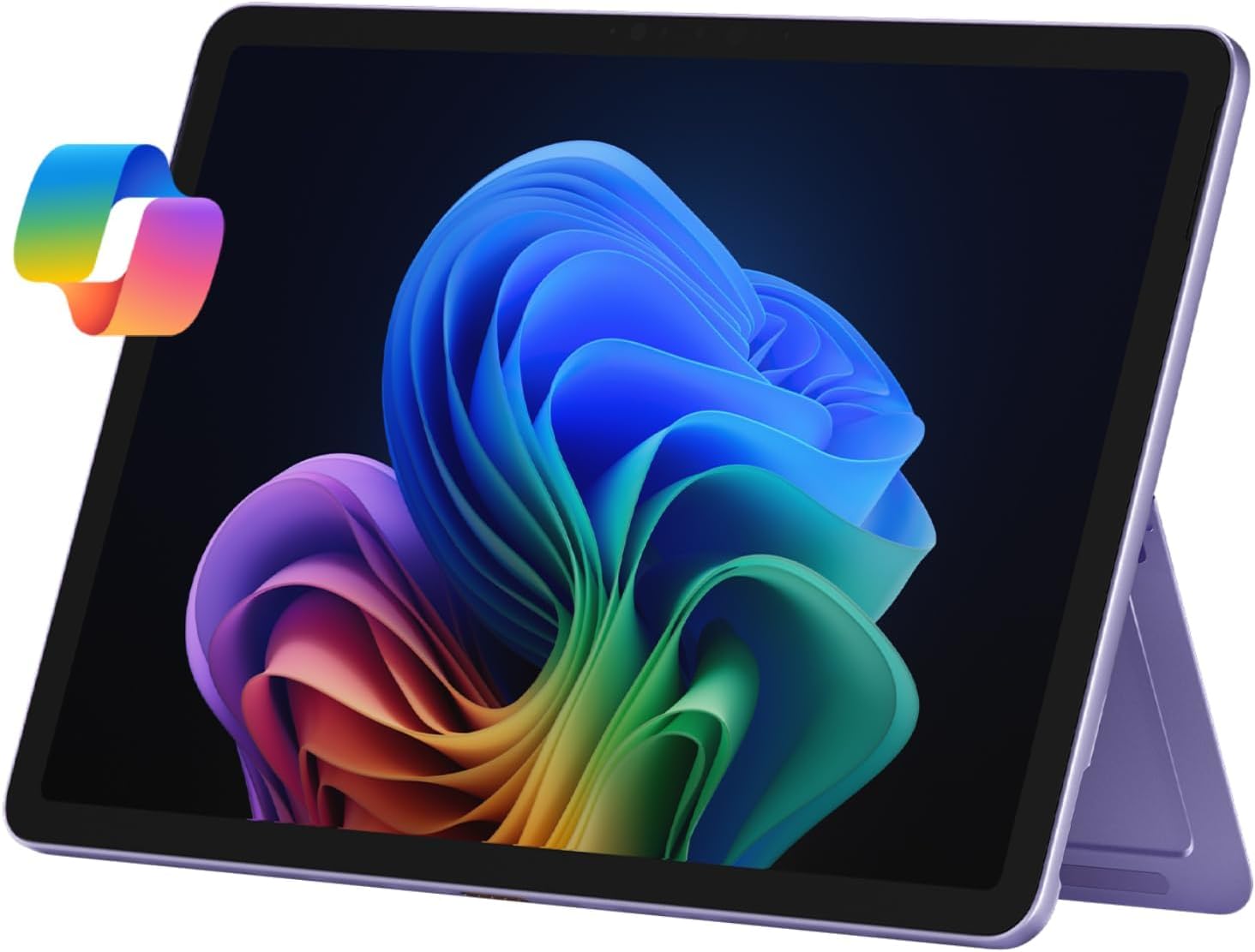
The Microsoft Surface Slim Pen 2 Charcoal Black is designed to work seamlessly with compatible Surface models. It enhances productivity in apps like OneNote, Whiteboard, and design software.
Furthermore, its features integrate smoothly with Windows tools, improving navigation and note-taking.
As a result, the pen becomes a practical accessory for daily tasks.
Technical Specifications
Design
Slim, flat design
Charcoal Black finish
Comfortable grip
Input Features
Pressure sensitivity
Tilt support
Low-latency writing
Tactile feedback (haptic signals)
Charging
Wireless charging
Works with Surface charging accessories
Connectivity
Bluetooth pairing
Quick device connection
Compatibility
Selected Surface devices
Supports Windows Ink features
 No products in the cart.
Reviews
There are no reviews yet.